Implementing Navigation Meshes

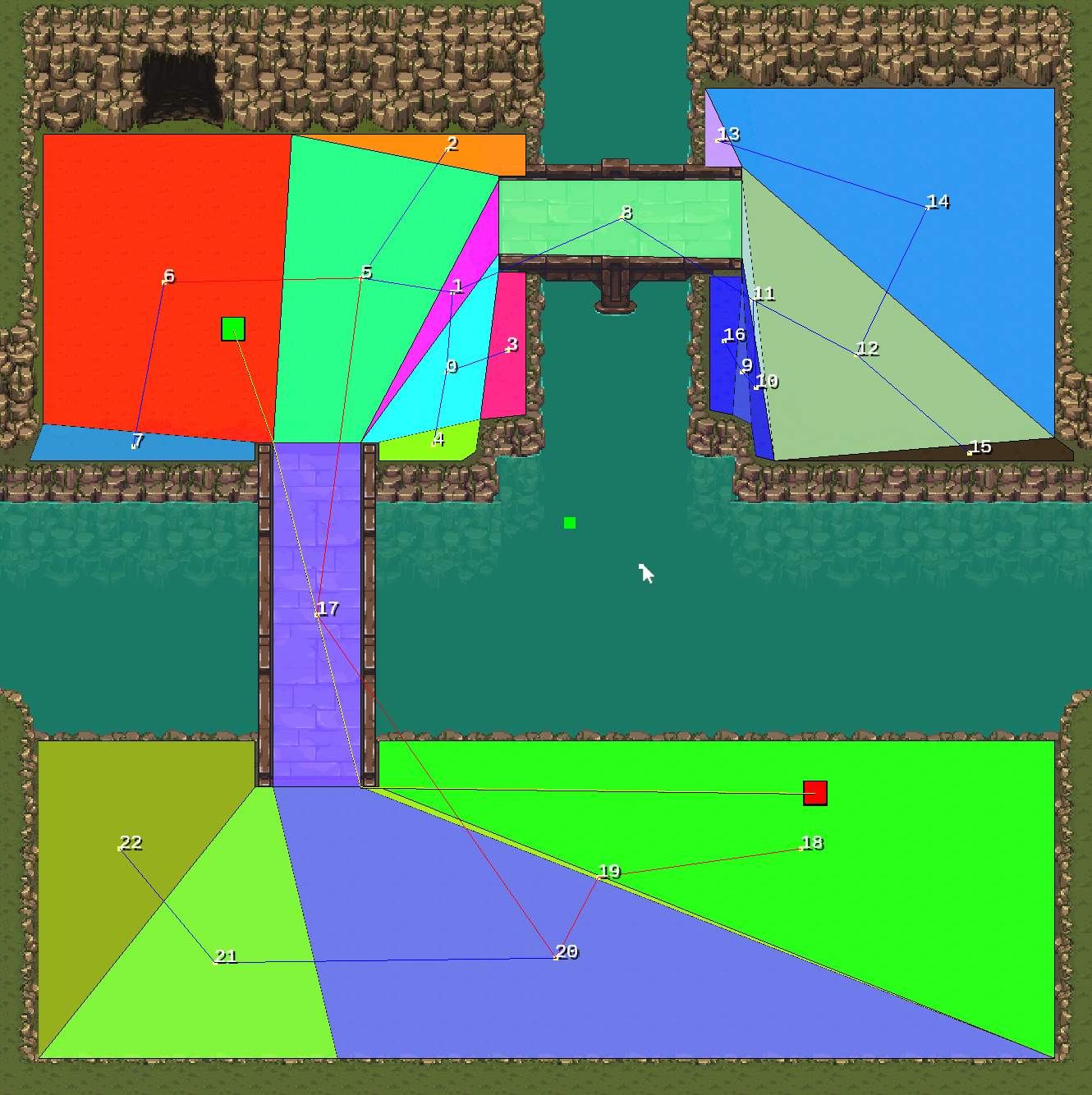
In my previous blog post, I explained what navigation meshes are and why they’re essential for my game. In this post, I’ll walk you through how I implemented this functionality in my game engine, breaking down the process step by step. Step 1: Creating Native Polygons The foundation of the navigation mesh is a set of “native” polygons that define all walkable areas in the game. I call them “native” because the mesh generation process relies on them. To create these polygons, I added tools to draw, edit, and save them within the engine. For now, this manual approach works well since the map is relatively small, but I’m considering automating this process in the future to handle larger or more complex maps. ...
June 1, 2025 · 10 min · 2110 words · pvlso

Progress on Navigation Meshes for Map Editing Mode

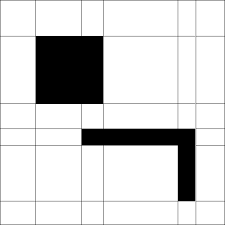
Over the past few weeks, I’ve made significant progress on the navigation mesh system for my map editing mode, a core feature for creating interactive game levels. This post dives into why I chose navigation meshes, the details of what I’ve built, the challenges I’ve faced, and the next steps I’m tackling. For those unfamiliar, the map editing mode in my game engine allows users to design game environments, including ground tiles, entity placement, and navigation meshes. My current focus is on navigation meshes, which are critical for enabling entities to move intelligently within the environment. Let’s explore the motivation behind this choice and my recent progress. ...

May 24, 2025 · 5 min · 930 words · pvlso

Assets Edit Mode

After completing my initial demo for my school capstone project, I set out to transform my work into a proper game engine, prioritizing ease of use and flexibility. My first focus was enhancing asset management and map editing. During the demo’s development, I built a basic tilemap editor that allowed me to place tiles, define collision boxes, and add static entities like trees, stones, and houses—represented as textures with collision data. It worked, but it lacked a user interface, undo/redo functionality, and advanced features like object manipulation or in-editor simulation with a player character. The output was three binary files—tile_map.bin, decorations.bin, and collisions.bin—containing tile textures, entity placements, and collision data. ...

April 12, 2025 · 4 min · 696 words · pvlso

Refactoring Kaban Engine: UI

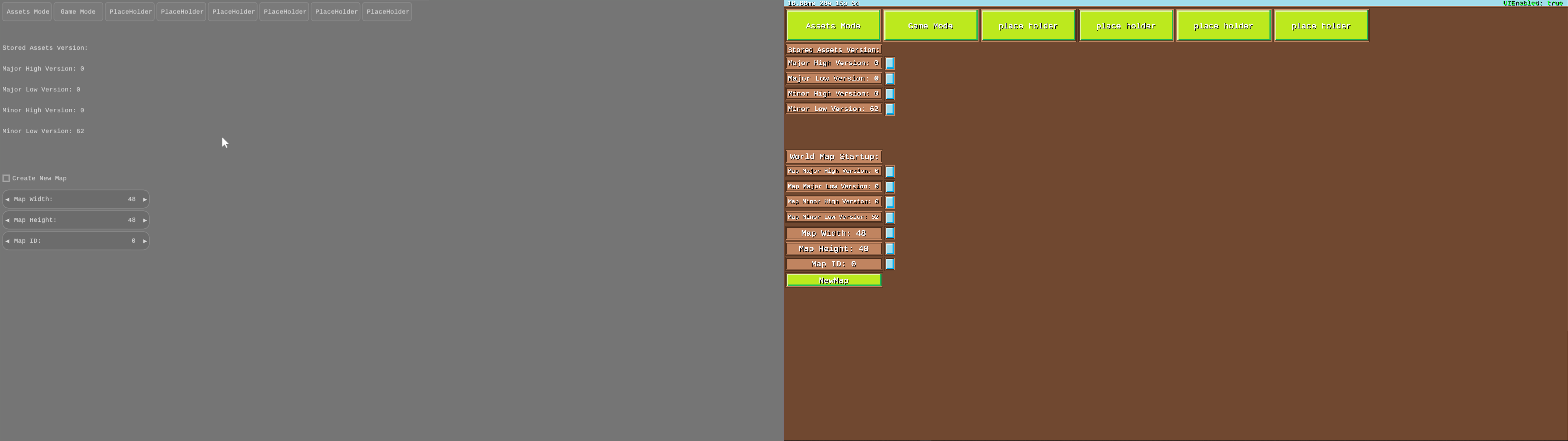
It’s been a little while since my last update on the Kaban Engine refactor, and I’ve been busy wrestling with input handling, integrating Nuklear more deeply into my codebase, and sorting out some UI quirks. Progress is steady, and I’m starting to see the light at the end of the tunnel—or at least a less foggy path forward. Here’s what I’ve been up to since last time! Input Handling: Borrowing from GLFW After ditching GLFW for window management (see my last post for that saga), I still found its input handling code pretty solid. So, I peeked under the hood, grabbed some of its input-fetching logic, and ported it into my engine’s platform layer. Nuklear needs specific inputs—keyboard, mouse, the usual suspects—and GLFW’s approach fit the bill. Porting it was painless; I just tweaked a few things, wrote some wrapper functions, and it was good to go. ...

April 1, 2025 · 4 min · 812 words · pvlso

Refactoring Kaban Engine: Wrestling with Libraries

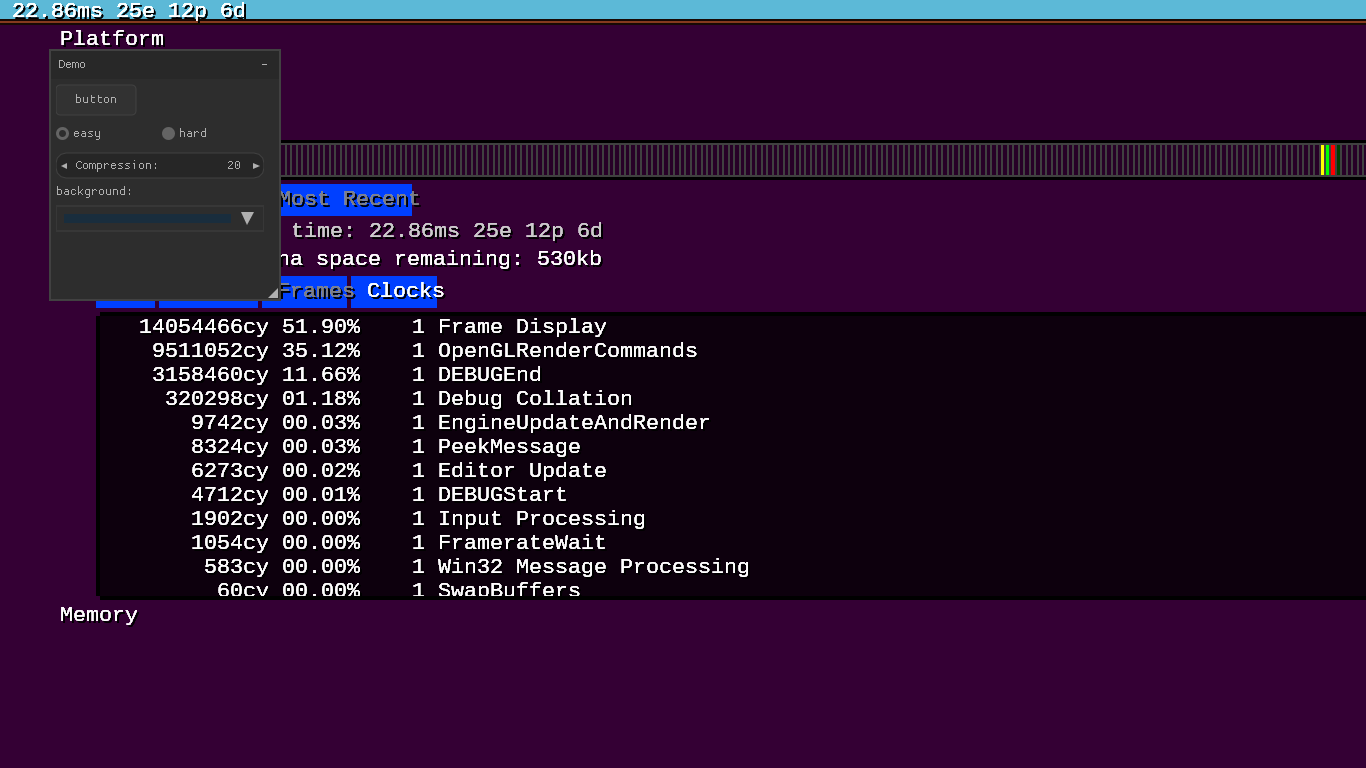
It’s been about a week since my last post, and I’ve been neck-deep in figuring out GLFW, GLEW, and Nuklear for the Kaban Engine refactor. I also squeezed in some OpenGL tutorials because, let’s be real, my OpenGL knowledge was more “vague vibes” than actual expertise. Here’s how it’s been going—some wins, some headaches, and a clearer path forward. GLFW: Not My Cup of Tea I kicked things off with GLFW, excited to ditch the Windows API mess. Getting a window up was easy—honestly, I spent more time skimming the docs than coding. But then I hit a snag. Running in windowed fullscreen mode, the window insists on staying on top. If I’m on a single-monitor setup, stepping into the debugger is impossible because the window hogs the screen. On two monitors, it’s still a pain—clicking the debugger iconifies the window. There’s an auto-iconify disable option, but then I’m back to the “always on top” problem. ...

March 18, 2025 · 3 min · 529 words · pvlso